



Following PostgreSQL’s summer minor version updates and the release of PG 16 Beta, Pigsty closely tracks the PG community with the v2.1 release. This update supports PostgreSQL 16 Beta1 high availability and new monitoring metrics, while also providing support for PG 12-15. Meanwhile, the AI vector extension PGVector officially joined Pigsty in v2.0.2 and is now enabled by default.
Vector Database Extension: PGVector#
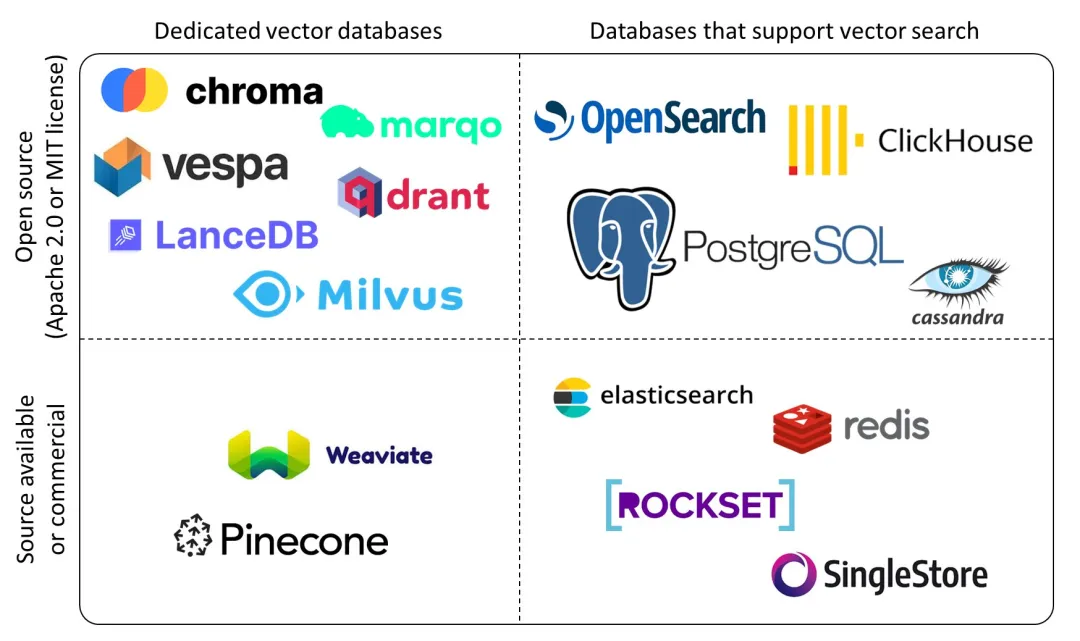
Vector databases have been extremely hot lately. There are many specialized vector database products on the market — commercial ones like Pinecone and Zilliz, and open-source ones like Milvus and Qdrant. Among all existing vector databases, pgvector is unique — it chose to build on the world’s most powerful open-source relational database PostgreSQL as an extension, rather than starting from scratch as another specialized “database”. After all, building a good TP database from zero is very difficult.
pgvector has an elegant, simple, and easy-to-use interface, respectable performance, and inherits PostgreSQL’s ecosystem superpowers. Previously, PGVECTOR required manual download, compilation, and installation, so I submitted an issue to get it added to the PostgreSQL Global Development Group’s official repository. Now you can simply use the PGDG repo and run yum install pgvector_15 to complete installation. In database instances with pgvector installed, just use CREATE EXTENSION vector to enable it.
But with Pigsty, you don’t even need this process. In Pigsty v2.0.2 released in late March, PGVector extension was already integrated and installed by default. You just need CREATE EXTENSION vector and it’s ready to use.
We’re also working on a better PGVector implementation with improved functionality, performance, and usability — stay tuned for future versions.
PG16 Support and Observability#
Pigsty is perhaps the fastest distribution to provide PostgreSQL 16 support — although still in Beta, with some extensions yet to catch up, you can already spin up PostgreSQL 16 high-availability clusters for testing. PostgreSQL 16 has some practical new features: logical decoding and logical replication from standbys, new statistics views for I/O, parallel execution of full joins, better freezing performance, new SQL/JSON standard function set, and regular expressions in HBA authentication.
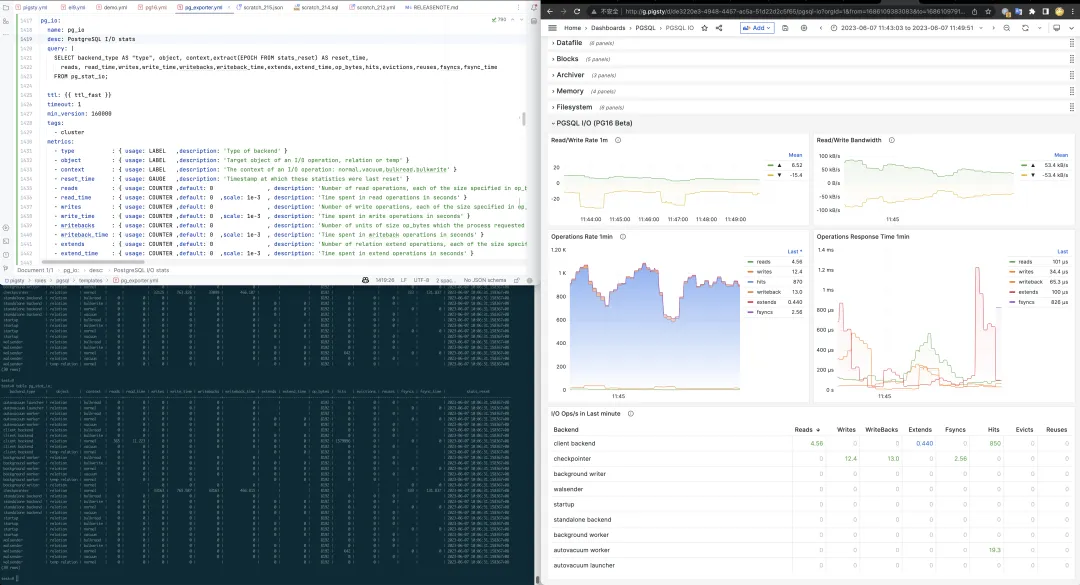
Pigsty pays special attention to PostgreSQL 16’s observability improvements. The new pg_stat_io view lets users access important I/O statistics directly from within the database — extremely significant for performance optimization and failure analysis. Previously, users could only see limited statistics at the database/BGWriter level; for finer statistics, they had to correlate with OS-level I/O metrics. Now you can deeply analyze reads/writes/extends/fsyncs/hits/evictions across three dimensions: backend process type, relation type, and operation type.
Another valuable observability improvement: pg_stat_all_tables and pg_stat_all_indexes now record the timestamp of the last sequential scan / index scan. While Pigsty’s monitoring system could achieve this through scan statistics charts, official direct support is certainly better: users can intuitively draw conclusions like whether an index is unused and can be removed. Additionally, the n_tup_newpage_upd metric tells us how many rows on a table were moved to a new page during updates rather than updated in-place — this metric is valuable for optimizing UPDATE performance and adjusting table fill factor.
PGSQL 12-15 Support#
Pigsty has supported PostgreSQL since version 10, always closely following the community’s latest major versions. But users do have needs for older versions — some external components only support up to a certain version, some are cautious about upgrading to the latest major version, and some want to create a Pigsty-managed Standby Cluster from existing lower-version clusters for migration. Regardless, support for lower PostgreSQL versions is a real user demand. So in v2.1, we added support for PG 12-14, all included in the offline packages by default.
Each major version includes not just core packages, but also important extensions for that version: geospatial extension PostGIS, time-series database extension TimescaleDB, distributed database extension citus, vector database extension PGVector, online garbage collection extension pg_repack, CDC logical decoding extensions wal2json and pglogical, scheduled task extension pg_cron, and password strength checking extension passwordcheck_cracklib — ensuring each major version enjoys PostgreSQL ecosystem’s core capabilities.
PostgreSQL 11 can actually be supported too, but due to some missing extensions and its upcoming EOL, it was excluded from this update. For users new to PostgreSQL, we always recommend starting with the latest stable major version (currently 15). If you really need versions 10 or 11, you can follow the tutorial to adjust package versions in the repository and build yourself.
Grafana Monitoring System Improvements#
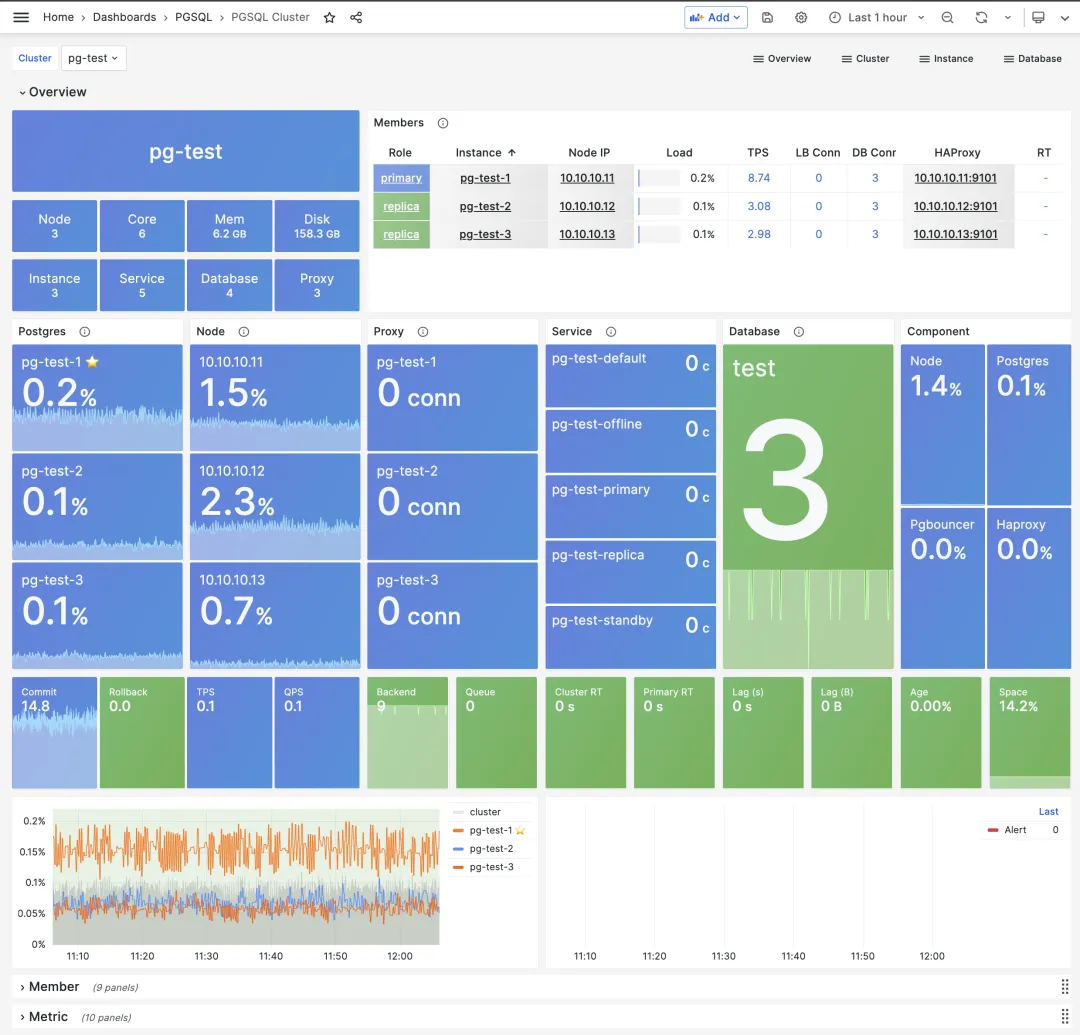
With Grafana upgraded to v9.5.3, the new navigation bar and panel layout give Pigsty’s monitoring system UI a fresh look. All monitoring dashboards have been fine-tuned and adapted for the new UI, and some inconsistent styling issues have been fixed.
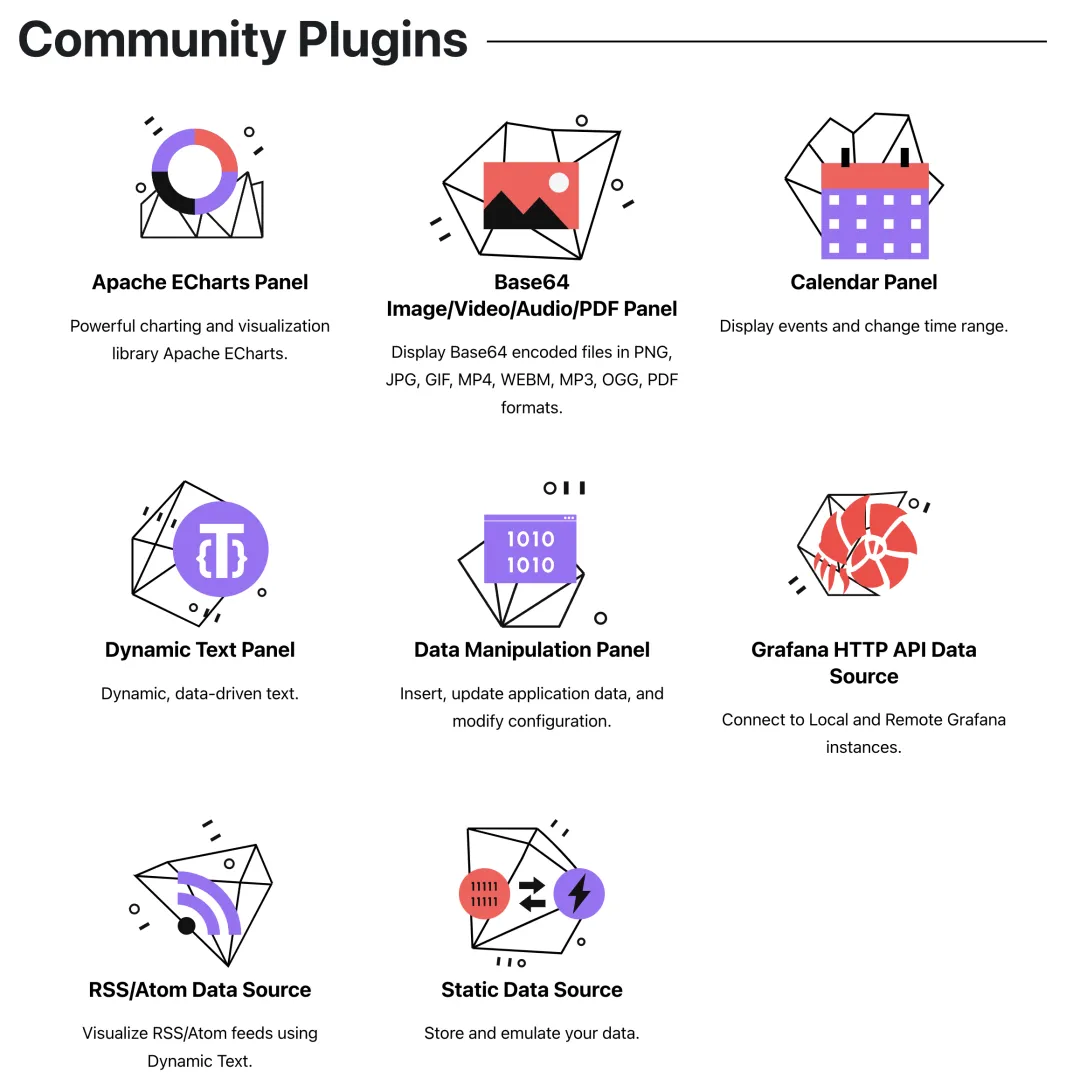
Pigsty 2.1 introduces 4 Grafana extension plugins from volkovlabs. Using Grafana + Echarts for data visualization and analysis has always been a feature highlight that Pigsty advocates and supports, but limited author bandwidth made it difficult to invest resources in this direction.
Before v2.1’s release, I was happy to see a professionally maintained Apache Echarts panel plugin — finally I can breathe easy and retire my self-maintained echarts panel. A professional startup team chose to expand in this direction, developing a series of useful extension plugins: Dynamic Text plugin for rendering SVG and text from backend data, Form plugin for form submissions, dynamic data calendar plugin, and more.
Additionally, Pigsty specifically added echarts-gl extension resources in Grafana’s public/chart directory, allowing users to create cool 3D globe panels like those in Apache Echarts’ official gallery using Pigsty’s built-in Grafana without internet access.
Other Utility Improvements#
Pigsty 2.1 adds 3 convenience commands: profile, validate, and repo-add.
The bin/validate command accepts a config file path as input, checking and validating Pigsty configuration file correctness. Common issues like accidentally writing the same IP in different clusters, configuration name/type errors, and the most common YAML indentation format errors can all be automatically detected and reported. After modifying configuration, users can use bin/validate to ensure their changes are valid.
The bin/repo-add command is for manually adjusting YUM repos on nodes. When users want to add new packages to local repos, they often need to use Ansible playbook subtasks, which is inconvenient. Now you can use the wrapped command-line tool: for example, bin/repo-add infra node,pgsql will add repos categorized as node and pgsql to nodes in the infra group.
The bin/profile command conveniently performs perf sampling for 1 minute on a process with a specific PID at a given IP address, generating a flame graph in Pigsty’s web server directory. Users can open and browse it directly from the web interface — this feature is especially useful for analyzing internal database failures and performance bottlenecks.
v2.1.0 Release Notes#
Highlights
- PostgreSQL 16 beta support, plus support for versions 12-15
- Added PGVector extension support for PG 12-15 for storing AI embeddings
- Added 6 additional default extension panel/datasource plugins for Grafana
- Added
bin/profilescript for remote profiling and flame graph generation - Added
bin/validatefor validatingpigsty.ymlconfiguration file correctness - Added
bin/repo-addfor quickly adding Yum repo definitions to nodes - PostgreSQL 16 observability: added
pg_stat_iosupport and related monitoring dashboards
Software Upgrades
- PostgreSQL 15.3, 14.8, 13.11, 12.15, 11.20, and 16 beta1
- pgBackRest 2.46 / pgbouncer 1.19
- Redis 7.0.11
- Grafana v9.5.3
- Loki / Promtail / Logcli 2.8.2
- Prometheus 2.44
- TimescaleDB 2.11.0
- minio-20230518000536 / mcli-20230518165900
- Bytebase v2.2.0
Improvements
- When adding local user public keys, all
id*.pubfiles are now added to remote machines (e.g., keys generated with elliptic curve algorithms)