Goodbye Vagrant, Hello Barn

On November 2, HashiCorp announced it is ending maintenance for HCP Vagrant and the Vagrant Public Registry, with the servers scheduled to shut down on December 31.
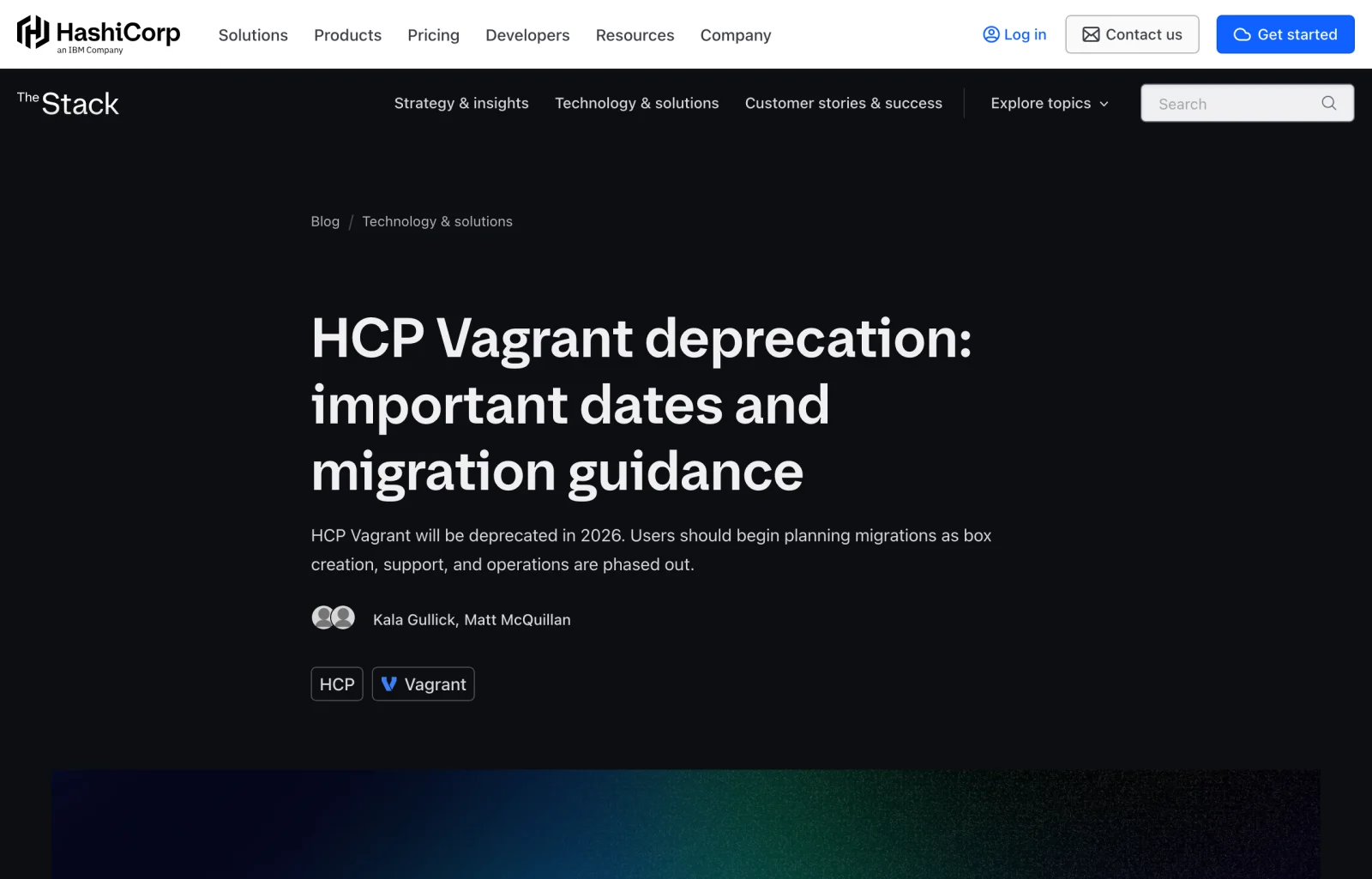
Seeing the news gave me pause. Vagrant used to be the best local VM manager around: write one declarative config and spin up multiple VMs across macOS, Linux, or Windows. I used it on and off for seven or eight years, and Pigsty was originally built and honed inside Vagrant VMs.
Back in its prime, the HashiCorp toolchain was genuinely great to work with: Vagrant for local VMs, Terraform for cloud provisioning, Consul for service discovery, Nomad for scheduling, and Vault for secrets management. Plenty of engineers built their workflows around that stack.
The turning point came in 2023. Once HashiCorp switched to BSL 1.1 and later sold to IBM, Vagrant’s decline was only a matter of time. The core vagrant-libvirt plugin stalled out, forcing projects like netlab to drop support this fall. Meanwhile, the Vagrant CLI has been stuck on 2.4.9 for over 14 months without a new release. Commit activity over the past three months has dwindled to sporadic maintenance from a single contributor, and even vagrant up errors on newer macOS versions have dragged on unshipped. Now they’re pulling the plug on the public registry hosting all those generic/* and bento/* boxes too.
This hits me and the Pigsty community directly.
Docker is fine for stateless services. Building and testing a production-grade database distribution is a different story: multi-node systemd service orchestration, Patroni HA failover, floating VIPs, Linux kernel parameter tuning, APT/YUM repository syncing, and dedicated ext4/XFS data mounts. Containers can’t stand in for a full kernel; you need real Linux VMs.
Over the past few years, though, Vagrant became a chore every time I walked a new user through setup or spun up a test cluster myself: brittle Ruby dependencies, awkward VirtualBox support on Apple Silicon, finicky libvirt setup for newcomers, and now the shutdown of the official box registry.
At some point you stop waiting for someone else to fix it and write your own.
After HashiCorp changed its license, Terraform forked into OpenTofu and Vault forked into OpenBao, while Vagrant went unclaimed. I briefly thought about forking it myself and even had a name picked out: OpenWonton—tofu, bao, and wontons make a proper breakfast. Then I looked inside the codebase. Over a decade of accumulated Ruby technical debt made it obvious that building from scratch would beat renovating an old house. I’d already forked MinIO into Silo, so writing a fresh local VM manager in Go around my own needs felt far more straightforward. To borrow DHH’s line: “We can fix everything!”
Barn: Housing Local VMs
The result is Barn (Bootstrap And Run Nodes), an Apache-2.0 local VM manager written in Go. Its website and English/Chinese documentation are live at barn.pgsty.com.
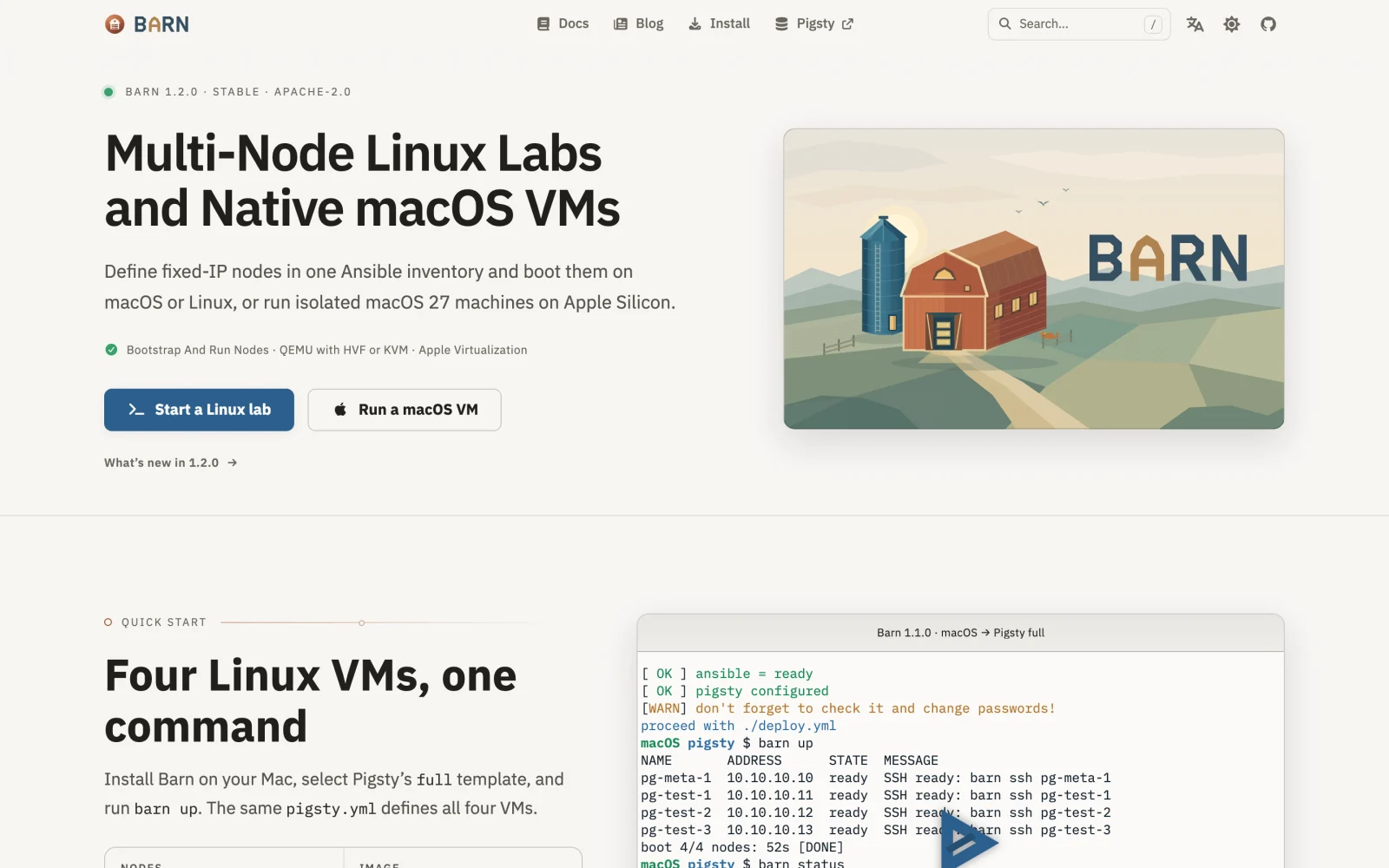
If you know the Pigsty ecosystem, the farmyard theme won’t surprise you: Pigsty is the pigpen, Silo is the grain silo, PIG is the piglet package manager, Oink is the documentation framework, and Barn is the livestock barn next door. Infrastructure folks like to call disposable, rebuildable servers “cattle, not pets.” Barn takes that literally on your workstation: raising Linux and native macOS VMs cheaply and deterministically on a MacBook or Linux box.
Its job is straightforward: take a standard Ansible-compatible YAML inventory and boot a local multi-node Linux cluster with static private IPs (via QEMU with HVF/KVM hardware acceleration), or clone isolated native macOS VMs in seconds on an Apple Silicon Mac (via Virtualization.framework).
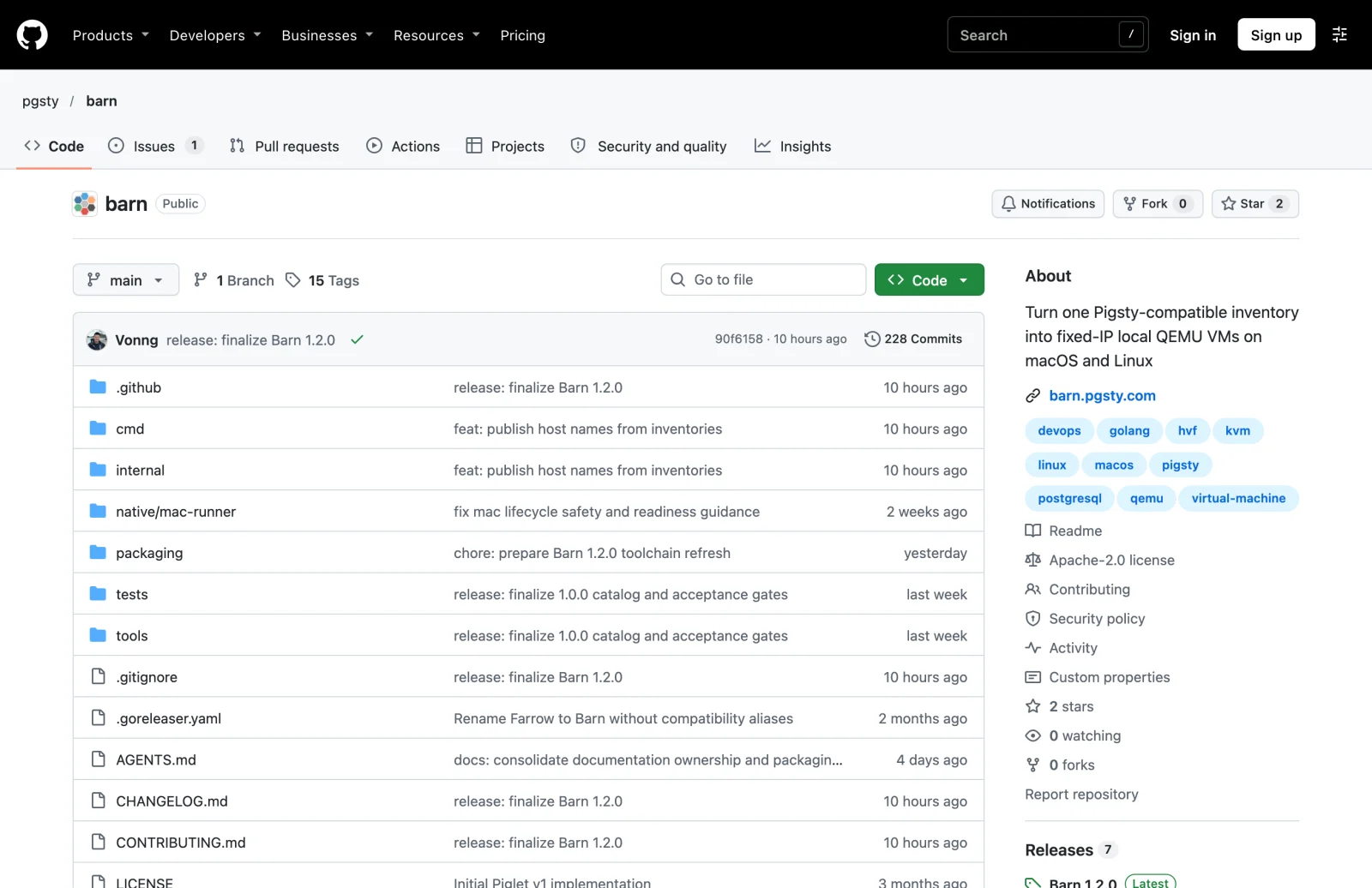
No VirtualBox to install, no Ruby plugins to wrestle with. Install it and go:
Five Engineering Tradeoffs
Barn isn’t a line-for-line rewrite of Vagrant in Go. After years of hitting Vagrant’s sharp edges, I made five deliberate design tradeoffs:
1. One Ansible YAML Inventory, Zero Config Split-Brain
Running Pigsty sandboxes on Vagrant always meant maintaining two sources of truth: first a Ruby Vagrantfile declaring how many VMs to boot, their CPU and RAM, and their IPs; then a separate Ansible pigsty.yml inventory repeating the exact same IPs and hostnames. Change one node and you had to update both files by hand.
Barn has no custom VM DSL. barn.yml is itself a valid standard Ansible YAML inventory:
Barn reads only the vm_* keys it cares about when creating VMs (all of them have defaults and can be omitted), while Ansible and Pigsty run playbooks straight against the same file (ansible-playbook -i barn.yml), with nothing to reconcile by hand. The newly released 1.1.0 also lets you override the distro and architecture from the CLI: barn up -I el9 -A amd64 is all it takes to run cross-distro compatibility tests.
2. One Global State (~/.barn), No Forgotten Ghost VMs
Use Vagrant long enough and your disk fills up with a dozen half-forgotten .vagrant/ directories, with stray VMs idling in the background and quietly eating RAM. Worse, booting 10.10.10.10 in directory B routinely collides with an old 10.10.10.10 you forgot to shut down in directory A, trashing your SSH known_hosts in the process.
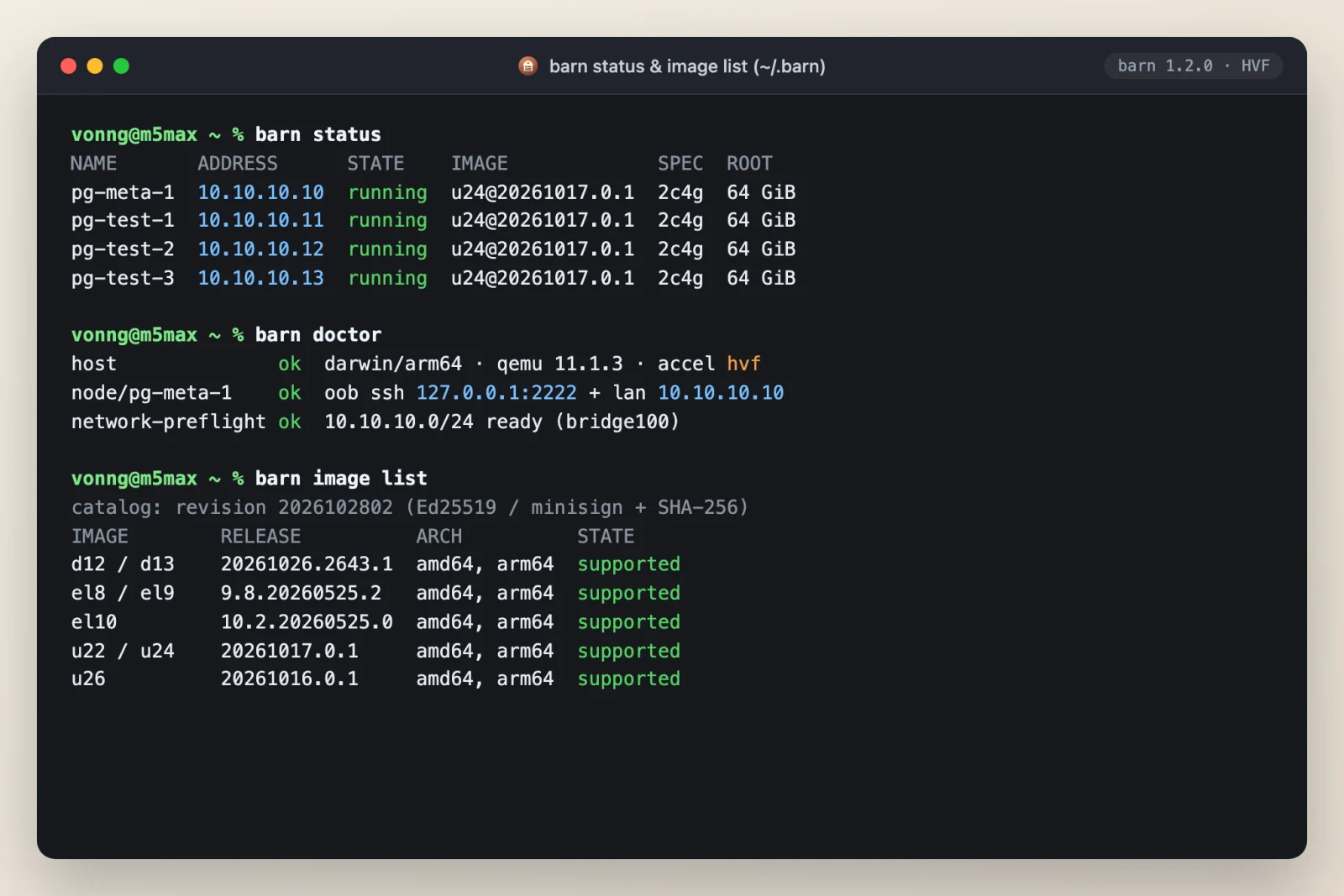
Barn drops per-directory project scoping altogether: One Deployment, No Projects. All state, keys, cached base images, and VM disks live under ~/.barn. Run barn status from any directory and you see the same global environment; if you genuinely need a second isolated environment, set BARN_HOME explicitly.
3. Dual-NIC Decoupling: Out-of-Band SSH + Static Private IPs
Distributed systems and database labs need fixed private IPs between nodes; dynamic DHCP only gets in the way. Barn wires every Linux node with a dual-NIC topology:
- Management / NAT NIC: Handles outbound internet access and exposes a dedicated management SSH port on host loopback. Even if you botch the private NIC config inside the guest,
barn sshstill gets you in—just like an out-of-band IPMI port on bare metal. - Static Private NIC: Uses
socket_vmneton macOS and a host bridge on Linux to assign the fixed private IPs declared in your inventory.
At boot, Barn automatically configures the default dba admin user with passwordless sudo, /etc/hosts entries across every node, and passwordless SSH access from the control node (admin_ip) to all worker nodes. Log into the control node and you can run Ansible immediately.
4. Copy-on-Write Clones and No-Surprise Convergence
Nothing is worse than an infrastructure tool trying to be too clever. Barn downloads and caches each base image once, then boots new nodes in seconds via qcow2 copy-on-write overlays. If you accidentally delete a host from barn.yml and run barn up or even barn recreate, Barn won’t silently destroy that machine: it reports a conflict and halts. Deleting a node always requires an explicit barn destroy NODE. Dedicated data disks marked persistent: true also survive normal rebuilds, so you don’t wipe out test data by mistake.
5. Static Image Catalogs: Zero Hosted-Service Lock-In
The HCP Vagrant shutdown drives home an old lesson: foundational tools shouldn’t tie their survival to a vendor’s hosted service.
Barn ships slim official images for major distros (Ubuntu, Debian, Rocky Linux, and others) across both amd64 and arm64, without relying on any dynamic backend. The entire catalog is just static manifest files + Ed25519 / minisign signatures + SHA-256 checksums. You can mirror it to your own object storage (such as Silo), an internal Nginx server, or any CDN; you can also import custom images locally with barn image import. Air-gapped internal networks work without a hitch.
Turning One Mac into Three: Local Sandboxes for AI Agents
If you work on a high-RAM Apple Silicon Mac (my daily driver is a 128 GB M5 Max MacBook Pro), Barn includes another practical feature: barn mac.
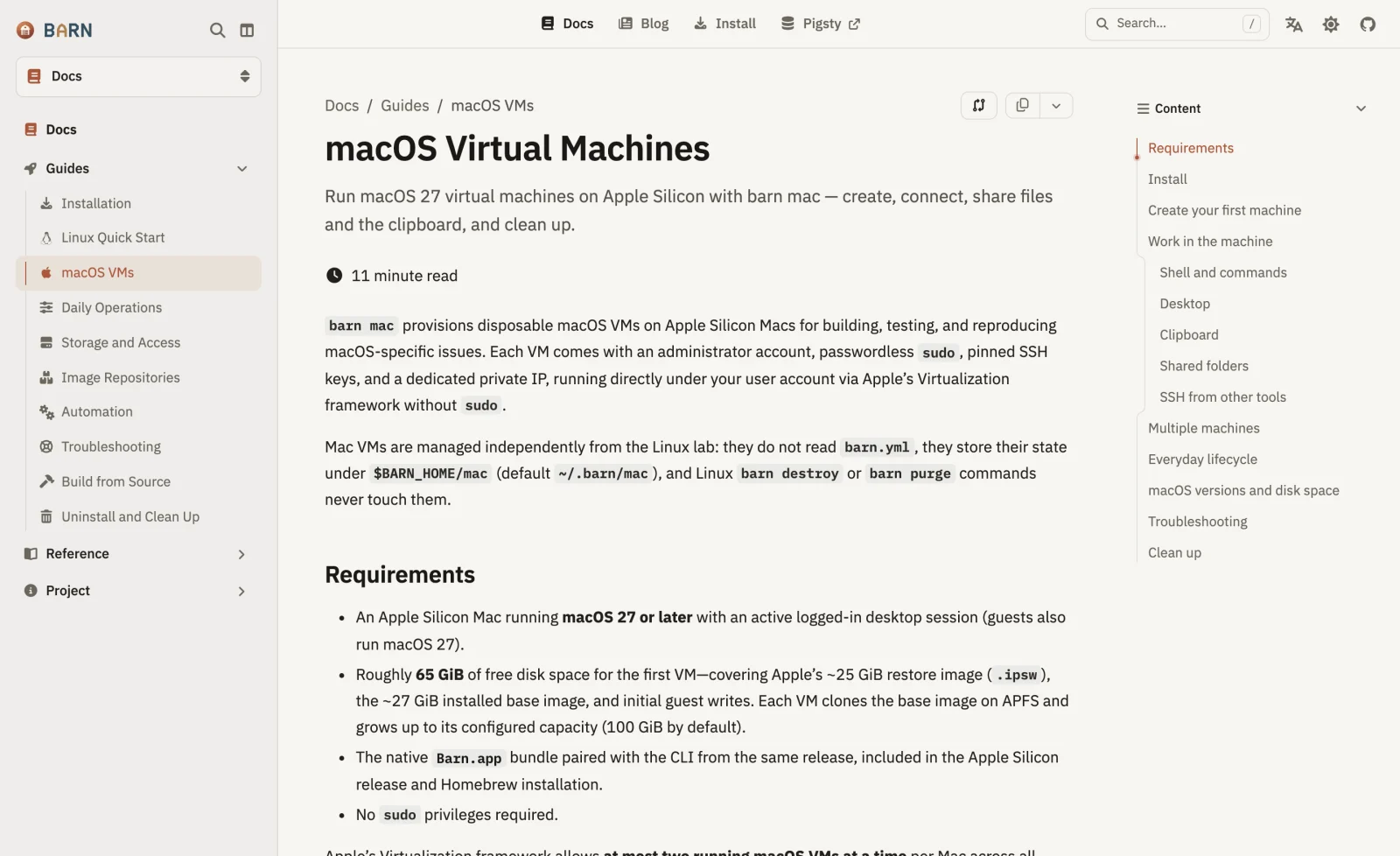
The release package bundles an Apple-signed and notarized native Barn.app built on Apple’s Virtualization.framework and APFS copy-on-write (CoW). You install the base .ipsw restore image once; after that, barn mac up clones a clean macOS guest in seconds with near-zero extra disk usage. Each guest gets a native desktop window, clipboard sync, preconfigured passwordless SSH, and fast VirtioFS directory sharing (--share ~/work). When you’re done, barn mac destroy --yes cleans it right up.
Apple’s virtualization license caps each Mac host at two concurrent macOS VMs. Counting the host itself, one high-memory Mac splits neatly into three isolated Mac environments.
Fair question: in 2026, why go to the trouble of writing a local VM manager?
Beyond database development and testing, running coding agents heavily every day pushed me straight into another hard requirement: local sandboxes for AI agents.
Anyone running Claude Code or Codex all day has hit the same dilemma: leave confirmation prompts on, and you’re stuck babysitting a terminal hitting Enter; flip on unattended auto-approve (YOLO mode) directly on your host, and one rogue rm -rf or botched system change can wreck your main workstation. Run three separate Claude accounts side by side, or multiple GUI-driving agents at once, and they trample each other’s environment variables, steal window focus, and fight over the mouse cursor. Stuffing them into Docker containers doesn’t cut it either: the moment an agent touches systemd, kernel modules, nested builds, or the native macOS toolchain, its hands are tied.
When you weigh the options, a local VM that clones in seconds—with a full kernel, unrestricted root access, and its own isolated desktop—turns out to be the lowest-friction runtime environment for agents.
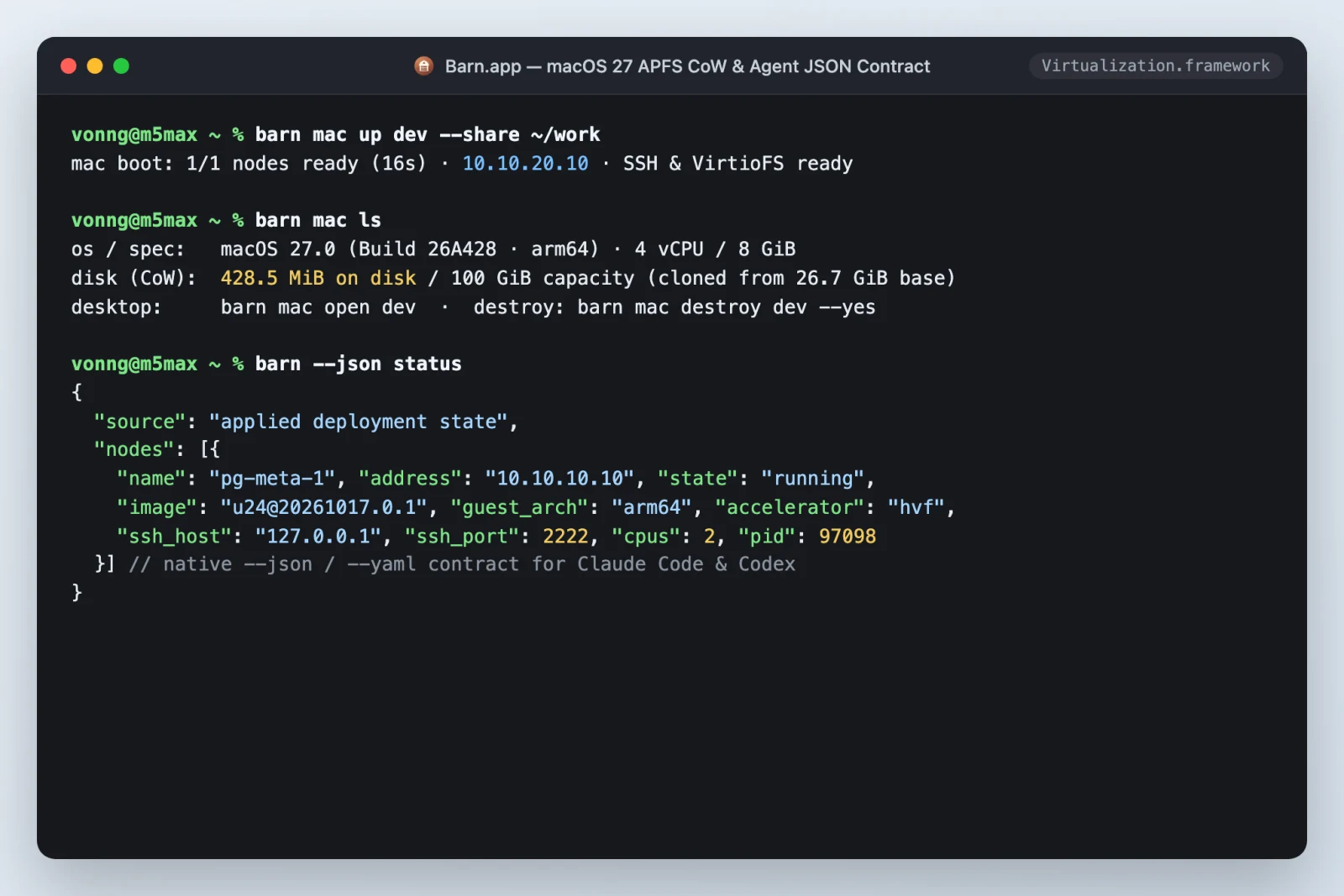
That’s why Barn shipped structured CLI output from day one: core commands natively emit --json and --yaml alongside clear exit codes, so they’re pleasant for humans to type and straightforward for agents to call. Put an agent inside a VM and you can hand it full permissions without sweating it: let it run barn up to spin up three Linux nodes for database benchmarks, or barn mac up to clone a clean Mac for a full build-and-verification pass. If it breaks the guest, destroying and rebuilding takes seconds, and all it costs is spare CPU and RAM already sitting on your desk.
Vagrant carried us through the first decade of infrastructure automation. It was a good tool, but its chapter has closed. Now that cloud compute keeps getting pricier, local workstations have CPU and RAM to spare, and coding agents need isolated sandboxes of their own, an old workhorse like local virtualization is more useful than it’s been in years.
Barn is open source under Apache-2.0. Take it for a spin:
- Website & Docs: https://barn.pgsty.com
- GitHub Repository: https://github.com/pgsty/barn
- Quick Install (macOS):
brew install pgsty/infra/barn